Dev Diary #1: Nuke It and Rebuild from Scratch
It’s been ages since I last checked my personal portfolio. To be honest, like most devs, I built one, tossed it online, and... completely forgot about it. Recently, I had some unexpected downtime, took a look at the old page, and realized it just didn't vibe with who I am anymore. So, I decided to roll up my sleeves, nuke all the legacy code, and build the whole thing from scratch.
This series will mostly be a place for me to log the site's progress and drop some notes on what I'm tweaking under the hood.
The UI: Ditching the Clutter
Looking back at the old layout (which I lazily let v0 generate back then), it was honestly a bit of an eyesore. It tried way too hard—flashy, overly trendy, basically looking like an edgy teenager's page.
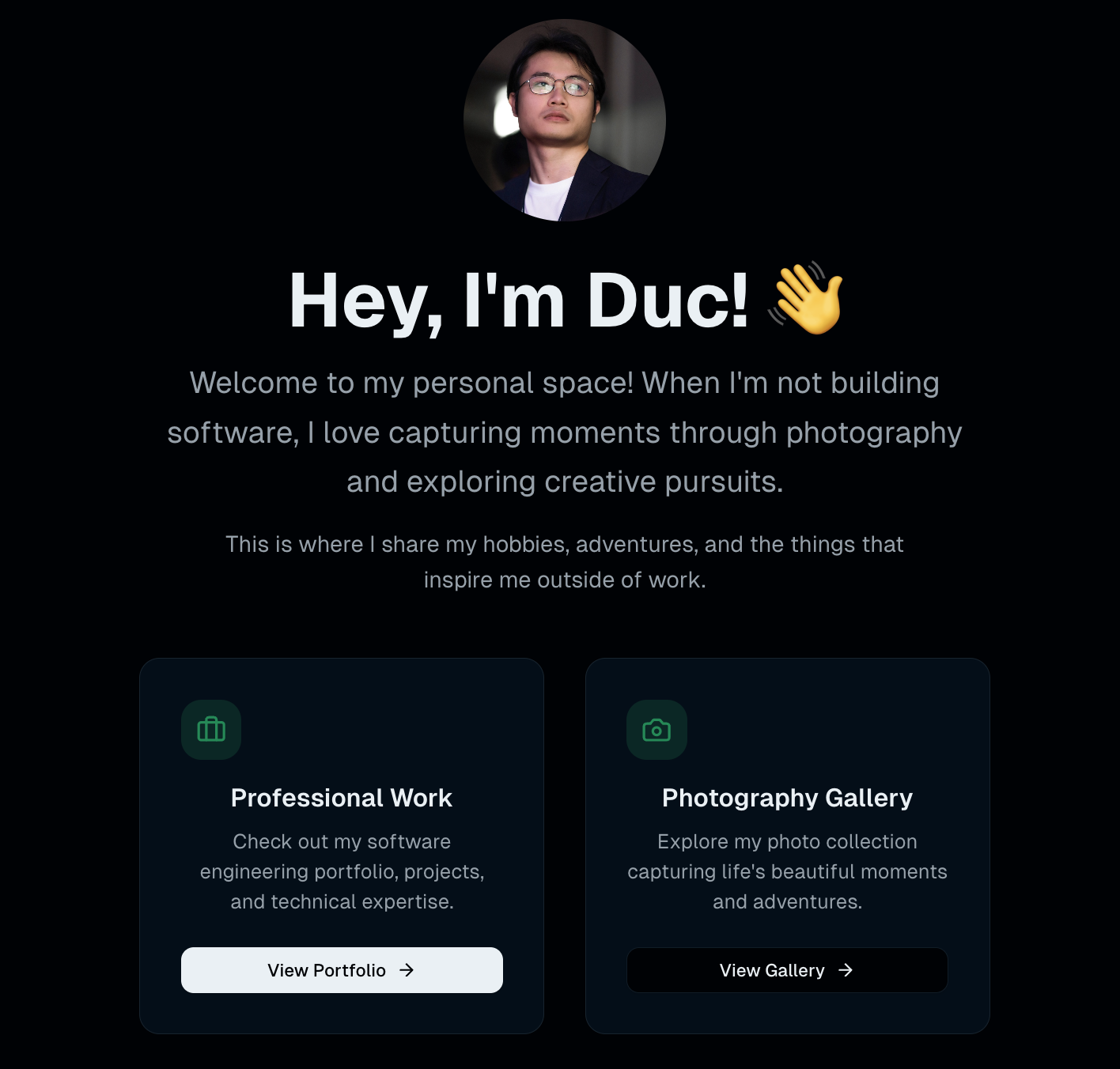
I decided to strip it all down. I don't need it to be showy; I prefer a straightforward, clean, and more classic look. The bloated sections and flashy widgets got completely axed. Now, the site focuses on exactly three core pillars: Projects, Skills, and Contact. No pointless rounded corners, no annoying animations—just a clear, structural layout that gets straight to the point.
From an Online CV to a Personal Sandbox
For the longest time, this site just existed as a lifeless digital namecard. I grabbed a generic template, slapped my name and a few links on it, and called it a day. It was static, boring, and didn't really reflect what I actually do.
This time, I want to change that. A personal site shouldn't just be an online resume; it should be a workspace to tinker and build things. After this rebuild, I plan to turn this domain into a proper sandbox:
- Host random custom tools and utilities I code up.
- Occasionally log some dev diaries and rant about tech.
- Use it as a live environment to test out new frameworks or APIs.
Rebuilding the site this time was honestly a breeze because I dragged Google's new AI models in for some pair-programming. I just chucked all the boring boilerplate code at them so I could focus entirely on the architecture and UX. It turned what is usually a weekend chore into a pretty chill project.
What's Next? (And the Server Migration Story)
The UI is mostly dialed in and the blog engine is live, but before I go all out, there's a core issue to solve: I need to move the server.
The current host is fine for a static site, but it's going to struggle with the dynamic features and infrastructure tinkering I have planned. I'm looking to migrate the whole system to a much better environment. Honestly, just thinking about setting up the infra from scratch, managing Kubernetes namespaces, and dealing with data synchronization during the migration is already making me sweat a little.
I'll dive into the details of picking a new home for the server and restructuring the infrastructure in the next post. Catch you later!